Choosing the right 3D model source can be the difference between success and failure. If you’re a one-person crew working on a tight timeline, an animation studio churning out hundreds of assets every week, or a freelance artist looking for a simple base mesh to build upon, the platform you pick makes a huge difference in terms of the quality of your models and how easily they’ll import into your favorite software.
In this article, we’ve listed some of the top 3D model sources (both free and paid) and will be completely honest about their strengths and weaknesses. By the time you finish reading this article, you’ll have a better idea of which platform works best for your needs and budget.
What Makes a Good 3D Model Marketplace?
Before we begin our list of the best 3D model sites, let’s cover what really matters when deciding which platform to use:
Quality of Models and Options - Will the models work well enough to be used in production? Will the models have good topology, correct UVs, and be available in all of the formats your software accepts (FBX, OBJ, GLTF, .blend, .max, .c4d)?
Cost and License - Is there a free version of the platform? Can you purchase the models and still use them commercially without worrying about royalties? Be careful, many of these websites hide extra fees in their pricing plans, so be sure to read the fine print!
Work Flow Integration - Many comparison articles fail to include this important factor. How much time do you waste downloading a ZIP file, unzipping it, and then having to manually import the asset into your scene? The best model platforms make the entire process seamless by eliminating as many of these steps as possible.
With this criteria in mind, let’s look at the platforms below.
1. Korvix3D: Most Suitable for Workflow First Artists
Price: Free Tier Available | Pro: $12/month | Plus: $25/month | Enterprise Plans for Studios
We'll begin there as well, since it's the most distinctive option on the list.
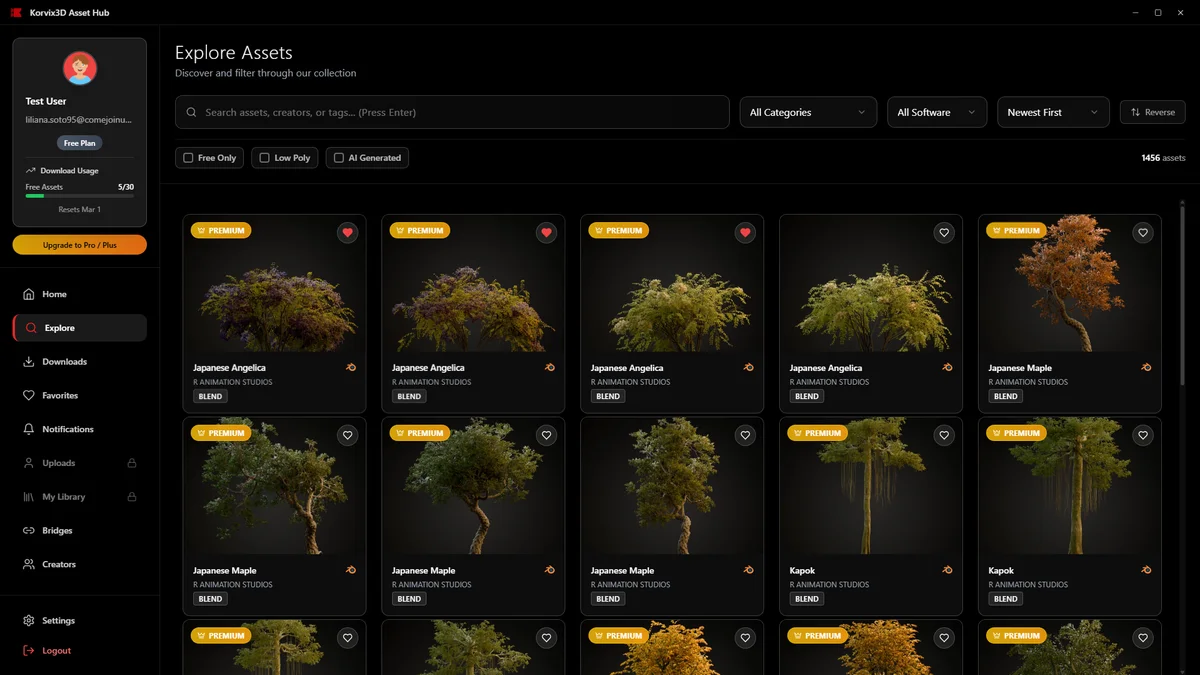
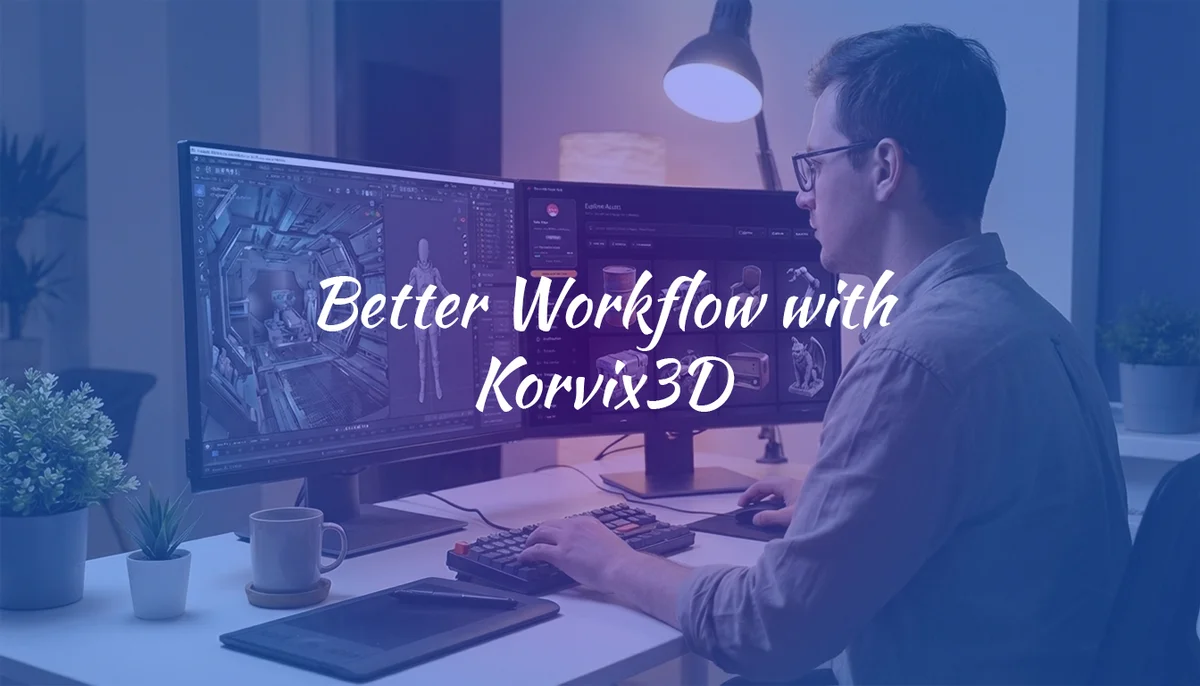
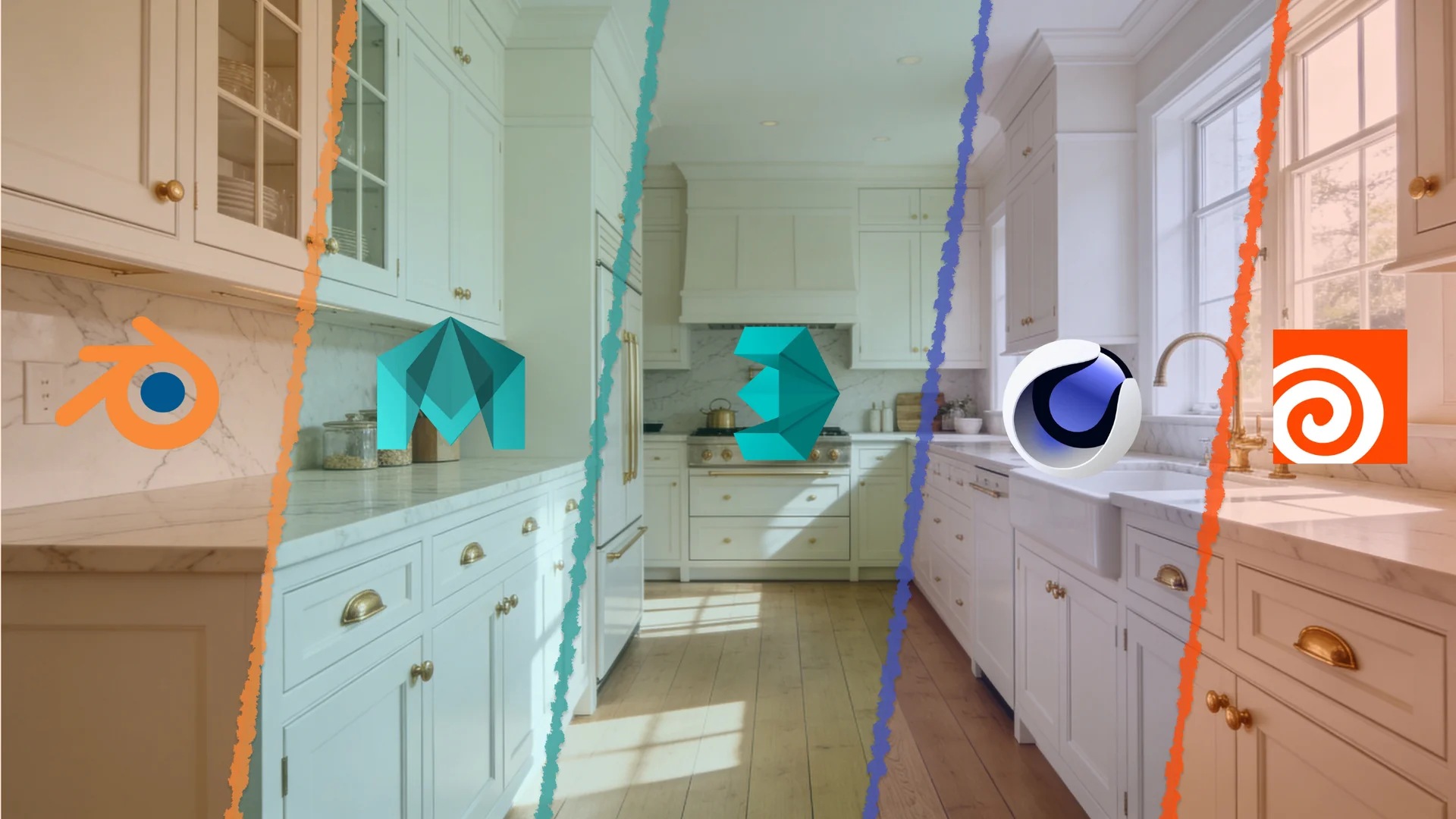
Korvix3D is a subscription-based 3D model marketplace designed from the ground up around an idea; the fewest number of "clicks" between "I need this model" and "it's in my scene" will result in the fastest possible workflow. To achieve that end, Korvix3D has created a desktop bridge application that allows you to browse, select, and export a model from within your chosen 3D modeling software (Blender, Maya, Cinema 4D, Houdini, 3ds Max) without having to use a file browser at all.
To say that is a small thing is incorrect; for artists working quickly and being paid hourly, that kind of frictionless access is going to add up to a great deal of time saved over the course of a week or month of production.
The model library is quite large, and includes, but is not limited to, architectural elements, characters, vehicles, environments, props, etc. Models are uploaded by creators to be sold; this means the model library is constantly growing and filled with new content. Korvix3D also provides a free tier allowing users to try out the workflow prior to committing.
Additionally, Korvix3D also provides custom enterprise solutions for studios/teams with heavy usage requirements including increased limits and additional features for team management.
Best suited for: freelancers, studios and artists focused on creating an efficient pipeline with a focus on speed and integration above all else.
2. Sketchfab: Best for Browsing & Discovery
Pricing: Free to browse | Pay-per-model for purchases
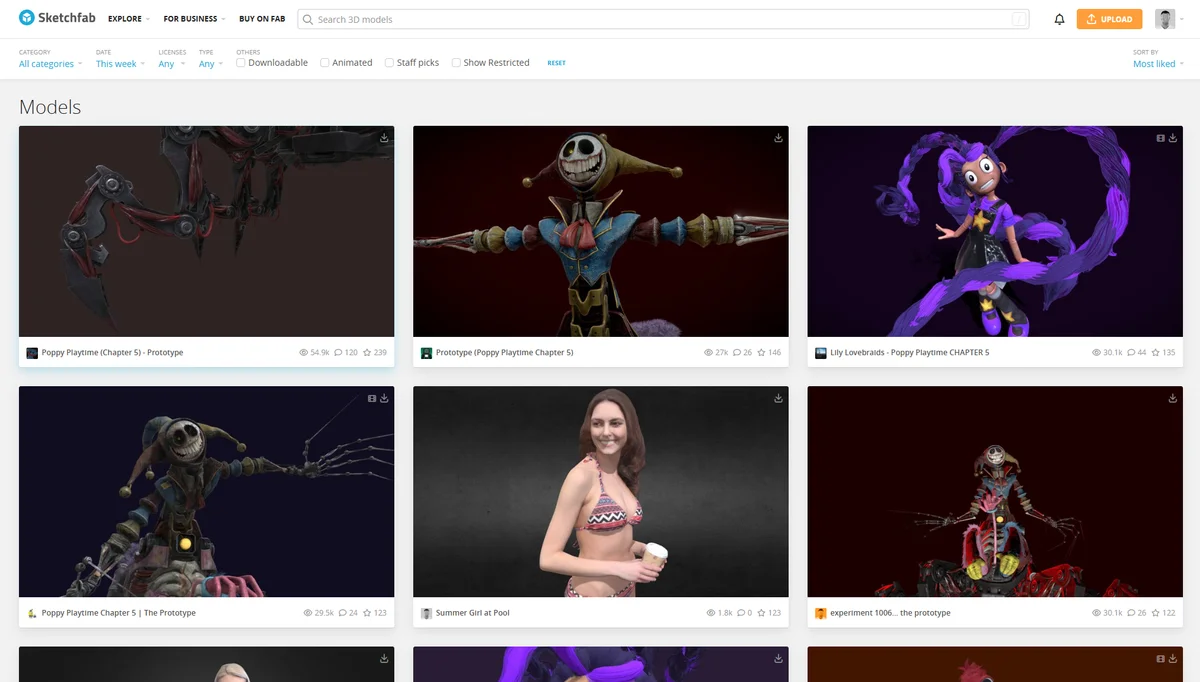
Sketchfab has one of the most visually impressive browsing experiences of any 3D marketplace. Models are rendered in an interactive 3D viewer right in the browser, so you know exactly what you’re getting before downloading.
The library is huge, covering everything from photogrammetry scans to stylized game assets. The quality range is wide, though, you’ll find brilliant work and rough uploads side by side, so you need to filter carefully.
There’s no subscription model here; you pay per model, which can get expensive if you’re pulling assets regularly. Sketchfab also supports glTF, FBX, and OBJ formats, but there’s no native software integration, it’s still a download-and-import workflow.
Best for: Casual browsing, one-off purchases, and anyone looking for photogrammetry scans or niche subject matter.
3. TurboSquid: Best for High-End Commercial Assets
Pricing: Free assets available | Pay-per-model | StemCell certified models available
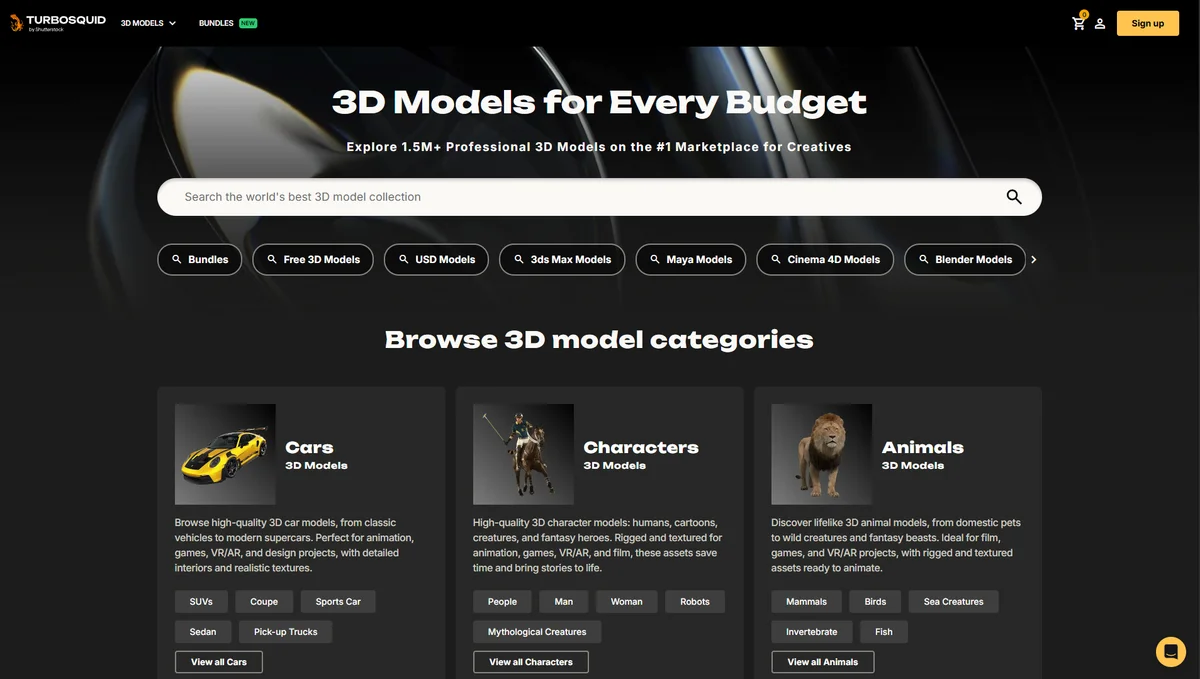
TurboSquid is one of the oldest and most established names in the 3D asset market. Its StemCell standard means many models are certified to meet strict quality requirements, clean topology, proper naming conventions, and consistent scale. For studios that need assets to drop into a production pipeline without cleanup, this certification is genuinely valuable.
The pricing reflects the quality tier, models here tend to be on the higher end, sometimes significantly so. There’s a selection of free models, but the best stuff costs money. TurboSquid offers SquidNet for larger teams, which adds some collaboration and management features.
No software integration here either, just download packages and import them manually.
Best for: Studios and professionals who need guaranteed quality for high-end commercial work and are willing to pay a premium.
4. CGTrader: Best Budget-Friendly Marketplace
Pricing: Free models available | Pay-per-model | Subscriptions starting around $15/month
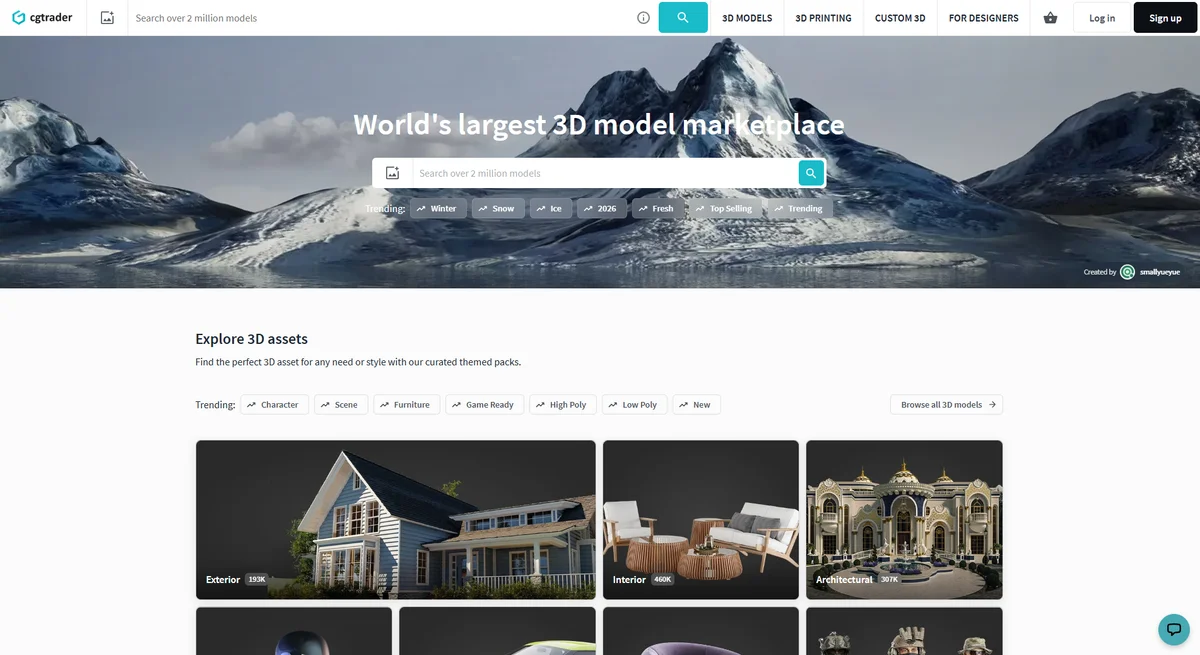
CGTrader is a peer-to-peer marketplace with a large community of creators selling models at a wide range of price points. You can find some genuinely good models here at lower prices than TurboSquid, especially for architectural visualization assets.
The platform recently introduced subscription plans, making it more competitive for artists who download frequently. Quality control is less strict than at TurboSquid, so previewing carefully before buying is important.
Best for: Arch-viz artists and budget-conscious buyers who download a moderate volume of assets.
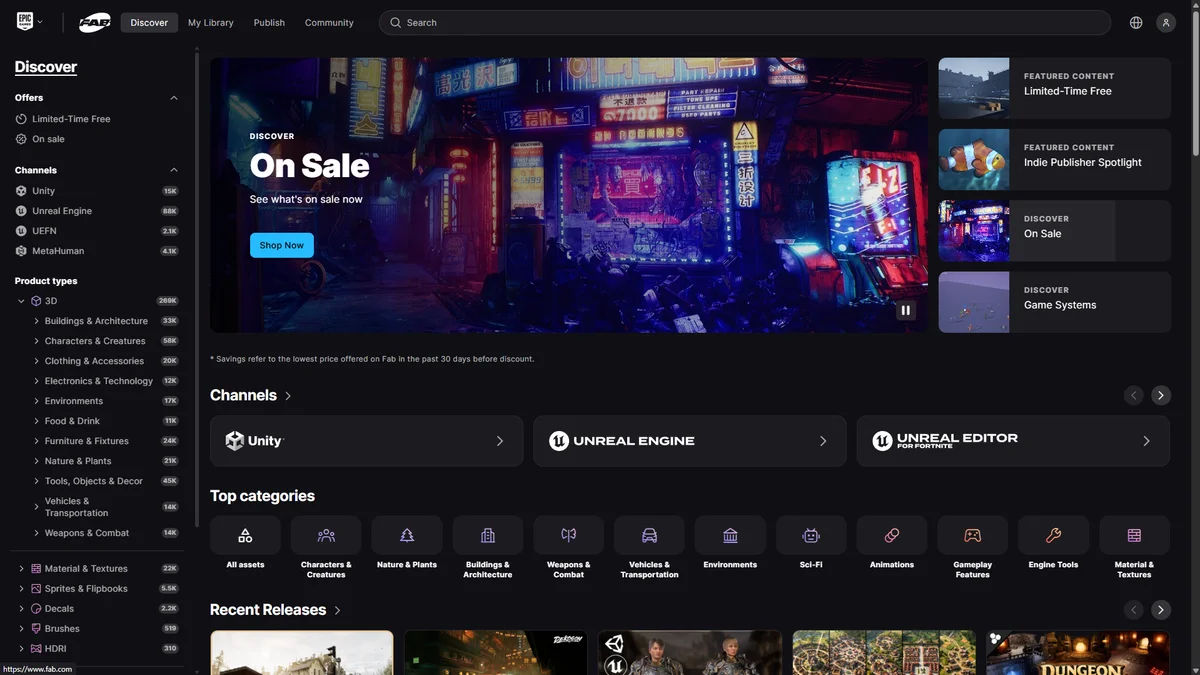
5. Quixel Megascans (Fab): Best for Photorealistic Textures & Surface Assets
Pricing: Free with Unreal Engine | Paid for other software use | Now part of Fab.com (Epic Games)
Megascans is legendary in the game development and VFX world for its photorealistic surface scans, rocks, soil, concrete, wood, fabric, you name it. Every asset is captured from the real world with consistent lighting and scale, making it a go-to library for anything that needs to look photorealistic.
Free access is available for Unreal Engine projects. For use in Blender, Maya, or other DCCs, you’ll need a paid subscription through Fab (Epic Games’ unified marketplace).
The Bridge app for Megascans does integrate with Blender and other software, which is one of the cleaner multi-software integrations in the industry, though it’s focused specifically on surface and environment assets, not full 3D models.
Best for: Environment artists, VFX teams, and anyone working on photorealistic renders.
6. Free Options Worth Knowing About
Not every project has a budget, and there are solid free resources worth bookmarking.
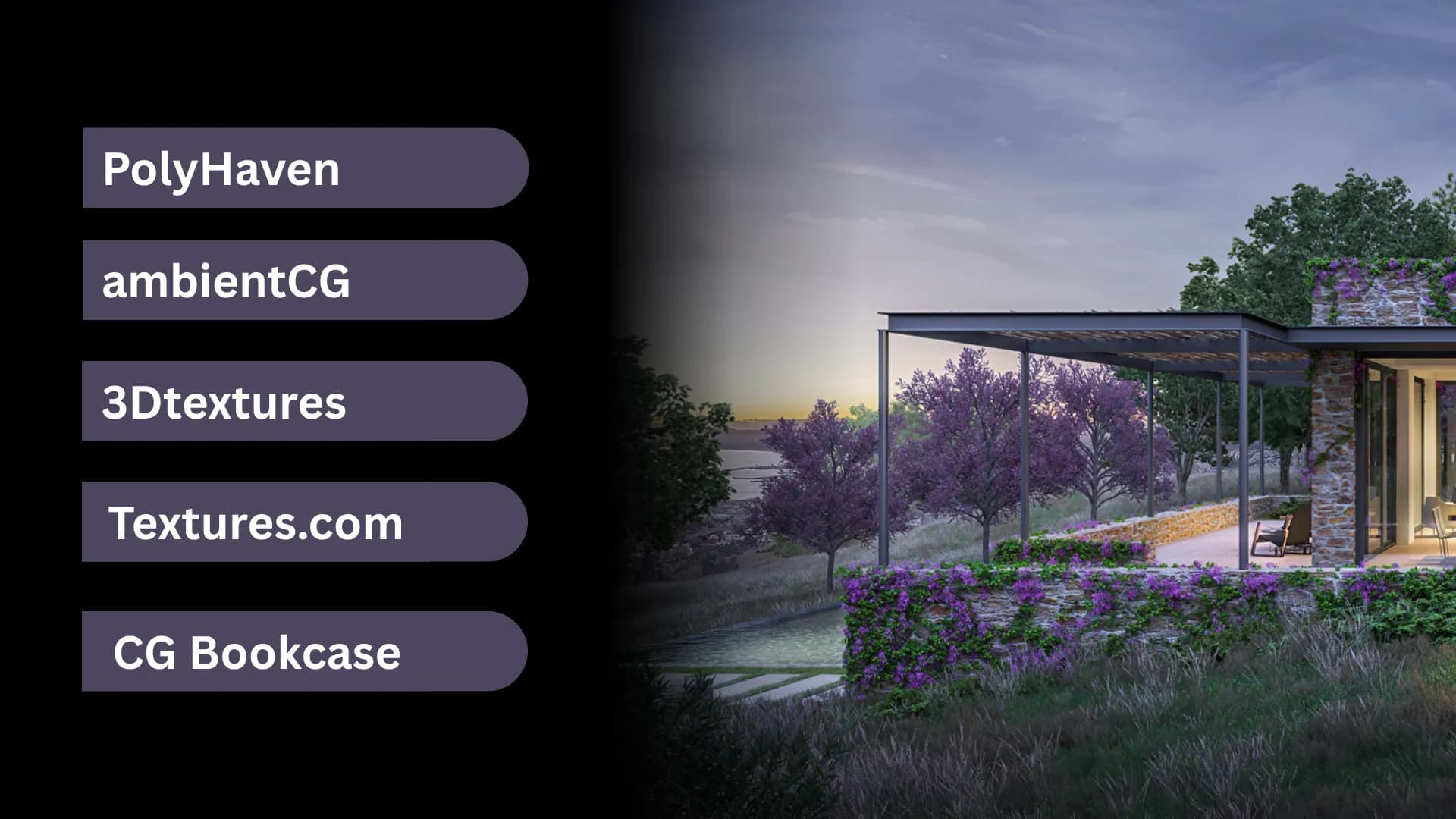
Poly Haven is a community-supported library of 100% free, CC0-licensed HDRIs, textures, and 3D assets. Everything here is free for commercial use with no attribution required. The model count is smaller, but the quality is consistently high.
BlenderKit (free tier) is built directly into Blender as an add-on, offering free and paid assets accessible without leaving the software. If you’re Blender-exclusive, it’s a convenient option for the free tier.
Free3D and Clara.io offer large catalogs of community-uploaded models with varying quality and format support. Good for non-critical projects, concept work, or personal projects where polish isn’t the top priority.
Side-by-Side Comparison
Platform | Free Tier | Subscription | Software Integration | Best For |
Korvix3D | ✅ Yes | $12–$25/mo | ✅ Blender, Maya, C4D, Houdini, 3ds Max | Workflow speed, all-round use |
Sketchfab | ✅ Browse only | ❌ Pay-per-model | ❌ No | Discovery, one-off purchases |
TurboSquid | ✅ Limited | ❌ Pay-per-model | ❌ No | High-end commercial assets |
CGTrader | ✅ Limited | ~$15/mo | ❌ No | Budget buyers, arch-viz |
Megascans (Fab) | ✅ Unreal only | Paid for DCC | ⚠️ Bridge app (surfaces only) | Photorealistic environments |
Poly Haven | ✅ All free | ❌ N/A | ❌ No | CC0 assets, textures, HDRIs |
So, Which Should You Use?
If you download models occasionally and have no time pressure, any of the options above will serve you. But if you’re working on real productions, client work, studio pipelines, tight deadlines workflow friction is a real cost, and it compounds over time.
That’s where Korvix3D stands apart. The direct-to-software integration isn’t a gimmick; it’s a genuine quality-of-life upgrade that changes how you interact with your asset library. The free tier makes it zero-risk to try, and the subscription pricing is honest, no per-model fees stacking up on top.
If you work in Blender, Maya, Cinema 4D, Houdini, or 3ds Max, Try Korvix3D for free - and see how much smoother your next project feels.
Have a platform you’d add to this list? Drop it in the comments below, we’re always looking to update this guide with the latest options.





Choosing the right 3D model source can be the difference between success and failure. If you’re a one-person crew working on a tight timeline, an animation studio churning out hundreds of assets every week, or a freelance artist looking for a simple base mesh to build upon, the platform you pick makes a huge difference in terms of the quality of your models and how easily they’ll import into your favorite software.
In this article, we’ve listed some of the top 3D model sources (both free and paid) and will be completely honest about their strengths and weaknesses. By the time you finish reading this article, you’ll have a better idea of which platform works best for your needs and budget.
What Makes a Good 3D Model Marketplace?
Before we begin our list of the best 3D model sites, let’s cover what really matters when deciding which platform to use:
Quality of Models and Options - Will the models work well enough to be used in production? Will the models have good topology, correct UVs, and be available in all of the formats your software accepts (FBX, OBJ, GLTF, .blend, .max, .c4d)?
Cost and License - Is there a free version of the platform? Can you purchase the models and still use them commercially without worrying about royalties? Be careful, many of these websites hide extra fees in their pricing plans, so be sure to read the fine print!
Work Flow Integration - Many comparison articles fail to include this important factor. How much time do you waste downloading a ZIP file, unzipping it, and then having to manually import the asset into your scene? The best model platforms make the entire process seamless by eliminating as many of these steps as possible.
With this criteria in mind, let’s look at the platforms below.
1. Korvix3D: Most Suitable for Workflow First Artists
Price: Free Tier Available | Pro: $12/month | Plus: $25/month | Enterprise Plans for Studios
We'll begin there as well, since it's the most distinctive option on the list.
Korvix3D is a subscription-based 3D model marketplace designed from the ground up around an idea; the fewest number of "clicks" between "I need this model" and "it's in my scene" will result in the fastest possible workflow. To achieve that end, Korvix3D has created a desktop bridge application that allows you to browse, select, and export a model from within your chosen 3D modeling software (Blender, Maya, Cinema 4D, Houdini, 3ds Max) without having to use a file browser at all.
To say that is a small thing is incorrect; for artists working quickly and being paid hourly, that kind of frictionless access is going to add up to a great deal of time saved over the course of a week or month of production.
The model library is quite large, and includes, but is not limited to, architectural elements, characters, vehicles, environments, props, etc. Models are uploaded by creators to be sold; this means the model library is constantly growing and filled with new content. Korvix3D also provides a free tier allowing users to try out the workflow prior to committing.
Additionally, Korvix3D also provides custom enterprise solutions for studios/teams with heavy usage requirements including increased limits and additional features for team management.
Best suited for: freelancers, studios and artists focused on creating an efficient pipeline with a focus on speed and integration above all else.
2. Sketchfab: Best for Browsing & Discovery
Pricing: Free to browse | Pay-per-model for purchases
Sketchfab has one of the most visually impressive browsing experiences of any 3D marketplace. Models are rendered in an interactive 3D viewer right in the browser, so you know exactly what you’re getting before downloading.
The library is huge, covering everything from photogrammetry scans to stylized game assets. The quality range is wide, though, you’ll find brilliant work and rough uploads side by side, so you need to filter carefully.
There’s no subscription model here; you pay per model, which can get expensive if you’re pulling assets regularly. Sketchfab also supports glTF, FBX, and OBJ formats, but there’s no native software integration, it’s still a download-and-import workflow.
Best for: Casual browsing, one-off purchases, and anyone looking for photogrammetry scans or niche subject matter.
3. TurboSquid: Best for High-End Commercial Assets
Pricing: Free assets available | Pay-per-model | StemCell certified models available
TurboSquid is one of the oldest and most established names in the 3D asset market. Its StemCell standard means many models are certified to meet strict quality requirements, clean topology, proper naming conventions, and consistent scale. For studios that need assets to drop into a production pipeline without cleanup, this certification is genuinely valuable.
The pricing reflects the quality tier, models here tend to be on the higher end, sometimes significantly so. There’s a selection of free models, but the best stuff costs money. TurboSquid offers SquidNet for larger teams, which adds some collaboration and management features.
No software integration here either, just download packages and import them manually.
Best for: Studios and professionals who need guaranteed quality for high-end commercial work and are willing to pay a premium.
4. CGTrader: Best Budget-Friendly Marketplace
Pricing: Free models available | Pay-per-model | Subscriptions starting around $15/month
CGTrader is a peer-to-peer marketplace with a large community of creators selling models at a wide range of price points. You can find some genuinely good models here at lower prices than TurboSquid, especially for architectural visualization assets.
The platform recently introduced subscription plans, making it more competitive for artists who download frequently. Quality control is less strict than at TurboSquid, so previewing carefully before buying is important.
Best for: Arch-viz artists and budget-conscious buyers who download a moderate volume of assets.
5. Quixel Megascans (Fab): Best for Photorealistic Textures & Surface Assets
Pricing: Free with Unreal Engine | Paid for other software use | Now part of Fab.com (Epic Games)
Megascans is legendary in the game development and VFX world for its photorealistic surface scans, rocks, soil, concrete, wood, fabric, you name it. Every asset is captured from the real world with consistent lighting and scale, making it a go-to library for anything that needs to look photorealistic.
Free access is available for Unreal Engine projects. For use in Blender, Maya, or other DCCs, you’ll need a paid subscription through Fab (Epic Games’ unified marketplace).
The Bridge app for Megascans does integrate with Blender and other software, which is one of the cleaner multi-software integrations in the industry, though it’s focused specifically on surface and environment assets, not full 3D models.
Best for: Environment artists, VFX teams, and anyone working on photorealistic renders.
6. Free Options Worth Knowing About
Not every project has a budget, and there are solid free resources worth bookmarking.
Poly Haven is a community-supported library of 100% free, CC0-licensed HDRIs, textures, and 3D assets. Everything here is free for commercial use with no attribution required. The model count is smaller, but the quality is consistently high.
BlenderKit (free tier) is built directly into Blender as an add-on, offering free and paid assets accessible without leaving the software. If you’re Blender-exclusive, it’s a convenient option for the free tier.
Free3D and Clara.io offer large catalogs of community-uploaded models with varying quality and format support. Good for non-critical projects, concept work, or personal projects where polish isn’t the top priority.
Side-by-Side Comparison
Platform
Free Tier
Subscription
Software Integration
Best For
Korvix3D
✅ Yes
$12–$25/mo
✅ Blender, Maya, C4D, Houdini, 3ds Max
Workflow speed, all-round use
Sketchfab
✅ Browse only
❌ Pay-per-model
❌ No
Discovery, one-off purchases
TurboSquid
✅ Limited
❌ Pay-per-model
❌ No
High-end commercial assets
CGTrader
✅ Limited
~$15/mo
❌ No
Budget buyers, arch-viz
Megascans (Fab)
✅ Unreal only
Paid for DCC
⚠️ Bridge app (surfaces only)
Photorealistic environments
Poly Haven
✅ All free
❌ N/A
❌ No
CC0 assets, textures, HDRIs
So, Which Should You Use?
If you download models occasionally and have no time pressure, any of the options above will serve you. But if you’re working on real productions, client work, studio pipelines, tight deadlines workflow friction is a real cost, and it compounds over time.
That’s where Korvix3D stands apart. The direct-to-software integration isn’t a gimmick; it’s a genuine quality-of-life upgrade that changes how you interact with your asset library. The free tier makes it zero-risk to try, and the subscription pricing is honest, no per-model fees stacking up on top.
If you work in Blender, Maya, Cinema 4D, Houdini, or 3ds Max, Try Korvix3D for free - and see how much smoother your next project feels.
Have a platform you’d add to this list? Drop it in the comments below, we’re always looking to update this guide with the latest options.